
Print Guidelines
Frequently Asked Questions
What is the best way to prepare the file?

We only accept print ready PDFs. To see what is needed to prepare the file successfully please see: Print Guidelines
What paper choices are available?
While we have various options, our primary house stock is a Silk/Satin Coated and a Smooth Uncoated paper. Both come in text weight and cover (cardstock)
Do you provided design service?
We do not offer design services at this time.
Do you perform scanning and copy services?
Scanning depends on size, and we do not offer copy services.
Do you deliver?
Yes, we deliver to Manhattan and Brooklyn locations as well as ship out of state.
Is there a minimum order?
Yes, for one or more full days of production it’s $175 before delivery, tax and handling.For same-day orders, additional charges apply.
Best Practices Video Library
Helpful Files to Download
Common Design Tools
| Program | Description | Notes |
|---|---|---|
| InDesign / Illustrator / Photoshop | Best option to ensure predictable output, industry standard | Most reliable program |
| Canva | Affordiable Option widly popular | Must Follow design guidelines carefully, output sizes are not always accurate, should outpu as PDF, CMYK |
| Figma | This application is not ment for print. Unpredictable output | Any files submitted designed using Figma is subject to potential additional charges due to issues. |
InDesign / Illustrator / Photoshop
Best option to ensure predictable output, industry standard
Most reliable program
Canva
Affordiable Option widly popular
Must Follow design guidelines carefully, output sizes are not always accurate, should outpu as PDF, CMYK
Figma
This application is not ment for print. Unpredictable output
Any files submitted designed using Figma is subject to potential additional charges due to issues.
Which Format is Best for Printing
At Unique Print NY, we help clients select the best file formats, resolutions, and color settings to produce professional posters for businesses, events, and promotions. This guide explains the best formats, design considerations, and practical tips for optimal print quality.
Common File Formats
| Format | Description | Best Use |
|---|---|---|
| Standard print-ready format; preserves layout and fonts | Industry standard for output | |
| TIFF | High-resolution raster images; supports layers and transparency | Professional photographic posters |
| JPEG | Compressed raster image; smaller file size | Quick prints, low to medium resolution |
| PNG | Supports transparency; high-quality raster | Posters with graphics or logos requiring transparency |
Standard print-ready format; preserves layout and fonts
Industry standard for output
TIFF
High-resolution raster images; supports layers and transparency
Professional photographic posters
JPEG
Compressed raster image; smaller file size
Quick prints, low to medium resolution
PNG
Supports transparency; high-quality raster
Posters with graphics or logos requiring transparency

Always provide high-resolution or vector files for the best print quality.
Raster vs. Vector Formats
Raster Files
Comprised of pixels; resolution-dependent



Vector Files
Comprised of mathematical paths; scalable

Use vector graphics for logos and illustrations, and high-resolution raster images for photos.
Resolution and DPI Requirements
Standard print resolution
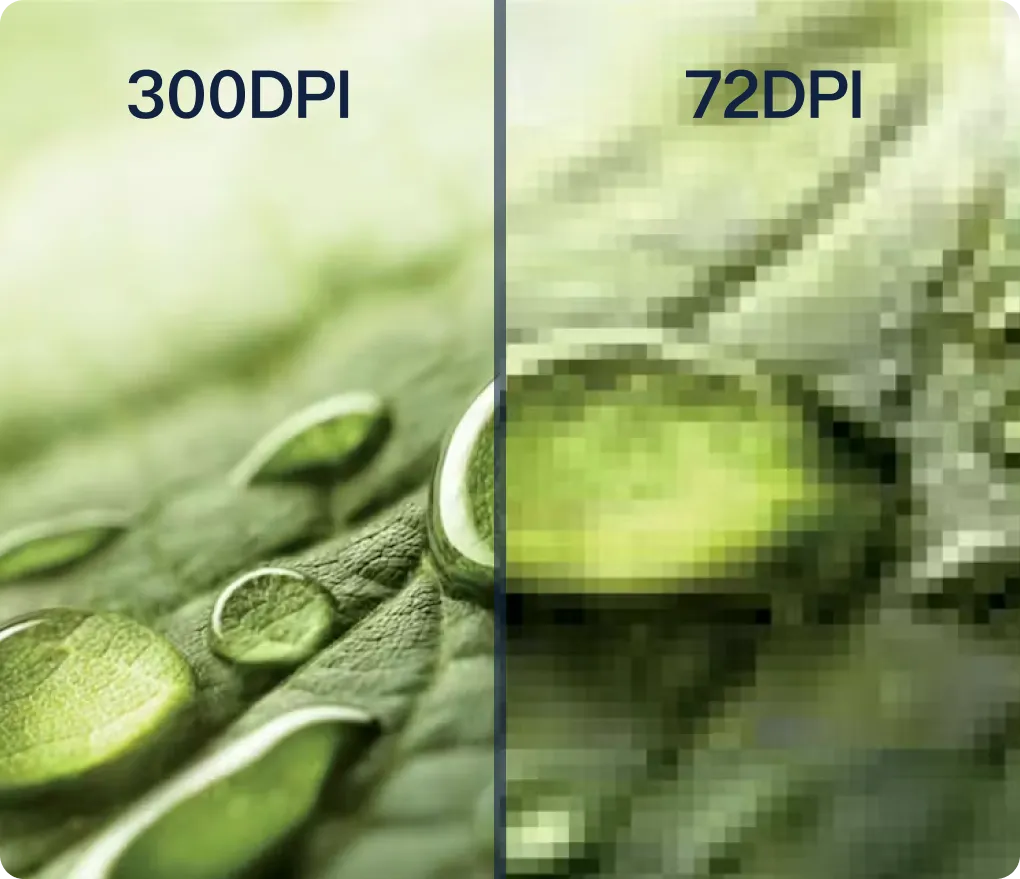
300 DPI (dots per inch)

Lower DPI
Can result in blurry or pixelated prints

Larger posters
Require higher resolution images to maintain sharpness

Always check the required resolution for the specific poster size before submitting files.
Color 101
It is important to understand that if you are relying on your screen for color and using RGB files, you will be mislead. RGB is a monitor based color format and because of that you can get much brighter and virbant colors than what printers can achieve.
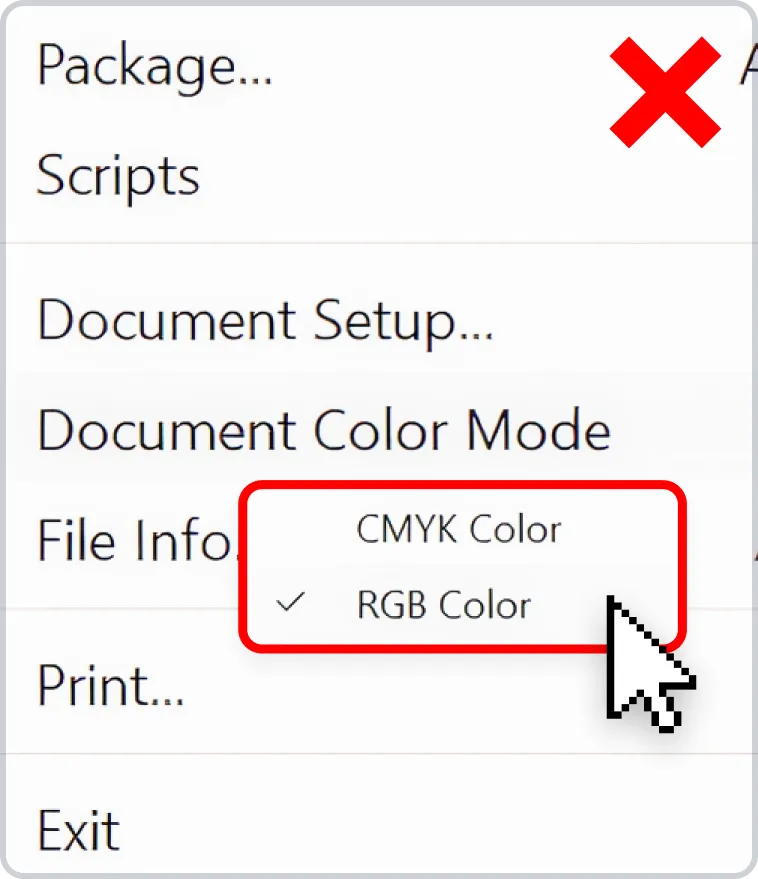
It is best practice to work in CMYK for predictable color. Even when working with CMYK files on screen, unless your monitor is calibrated, it may not reproduce to what you see on screen. If the project is highly sensitive in terms of color, you may want to consider getting a color proof printed before production starts.
| Format | Description | Best Use |
|---|---|---|
| CMYK | Cyan, Magenta, Yellow, Black; standard for print | All printed posters |
| RGB | Red, Green, Blue; standard for screens | Only for digital use, must convert to CMYK for print |
| Spot Colors | Specific Pantone colors | Branded or precise color matching |
CMYK
Cyan, Magenta, Yellow, Black; standard for print
All printed posters
RGB
Red, Green, Blue; standard for screens
Only for digital use, must convert to CMYK for print
Spot Colors
Specific Pantone colors
Branded or precise color matching
Recommended File Practices
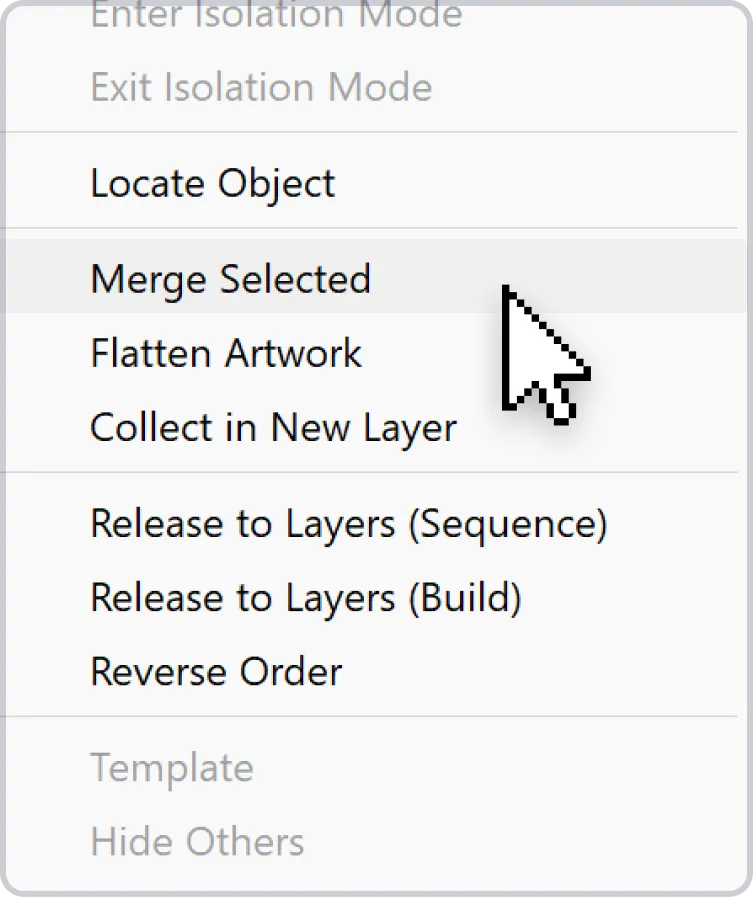
Flatten layers in raster files to avoid printing errors
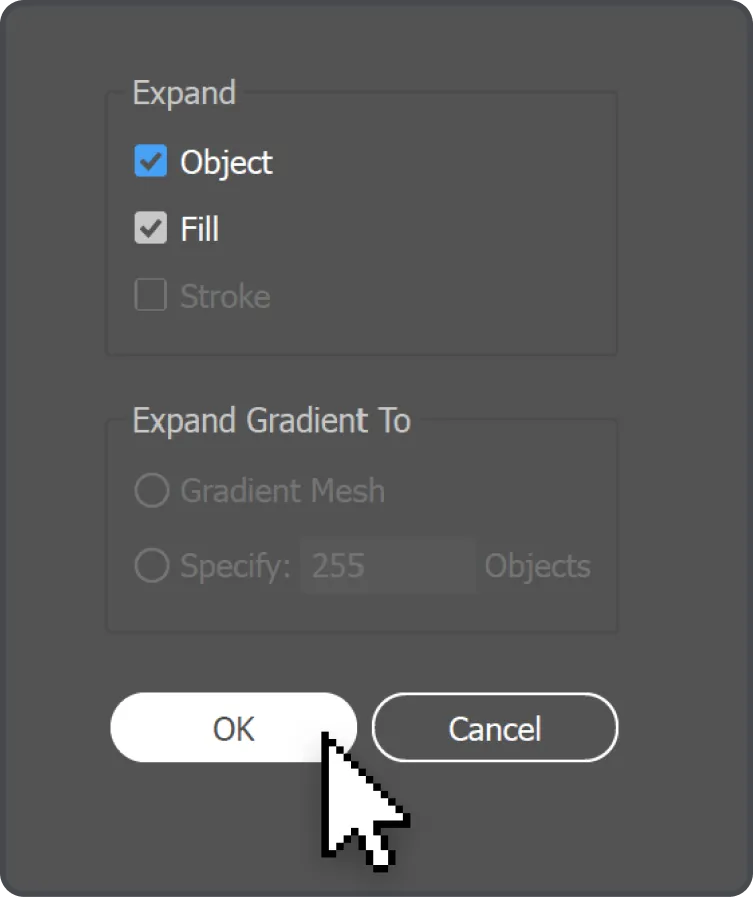
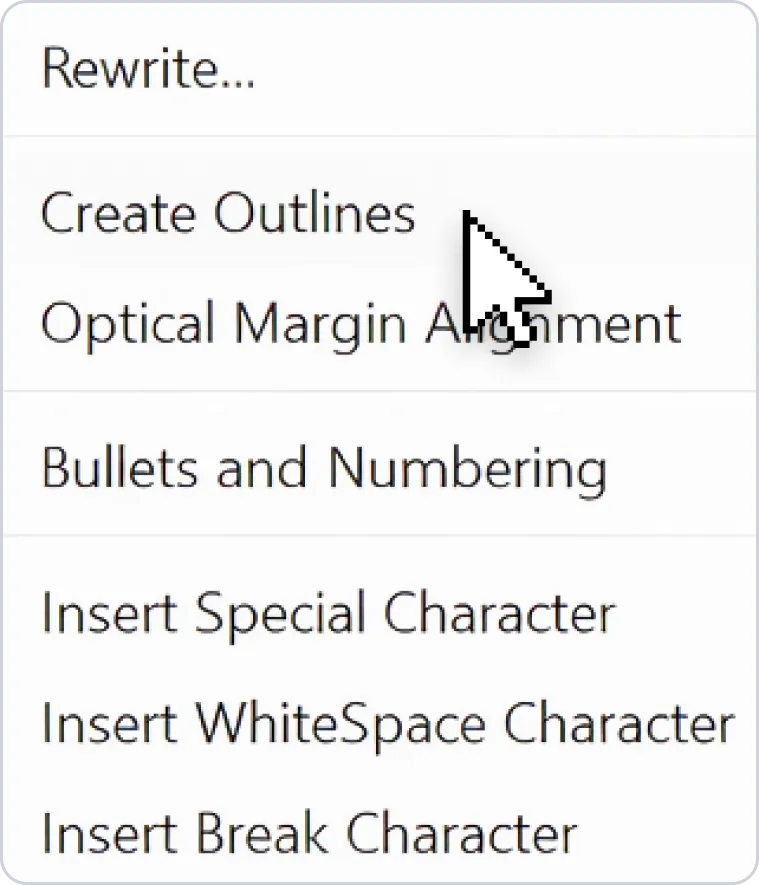
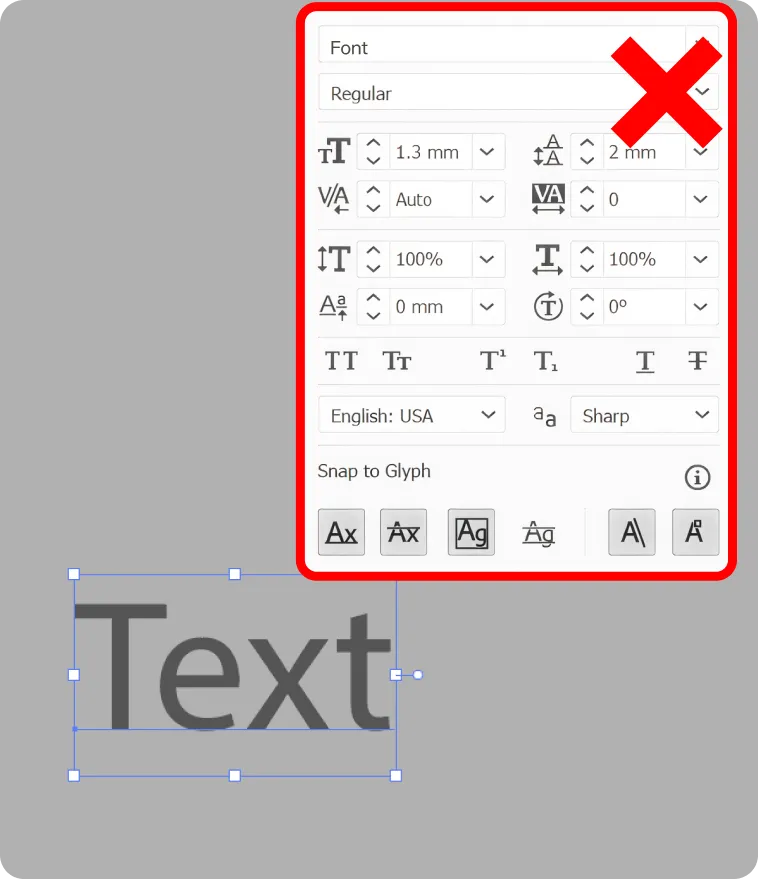
Embed fonts or convert text to outlines for vector files
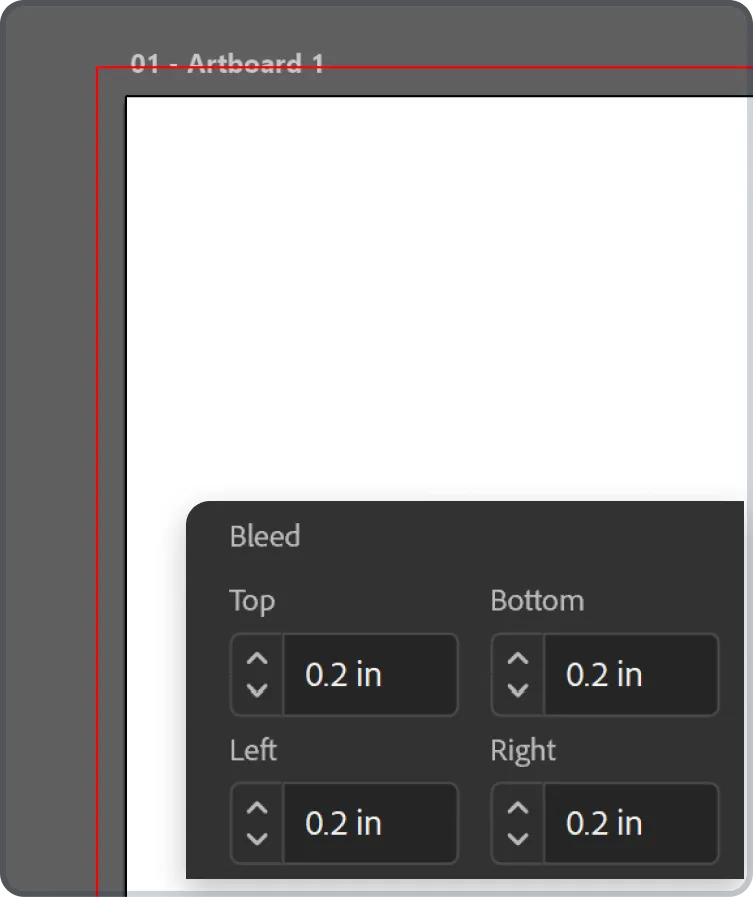
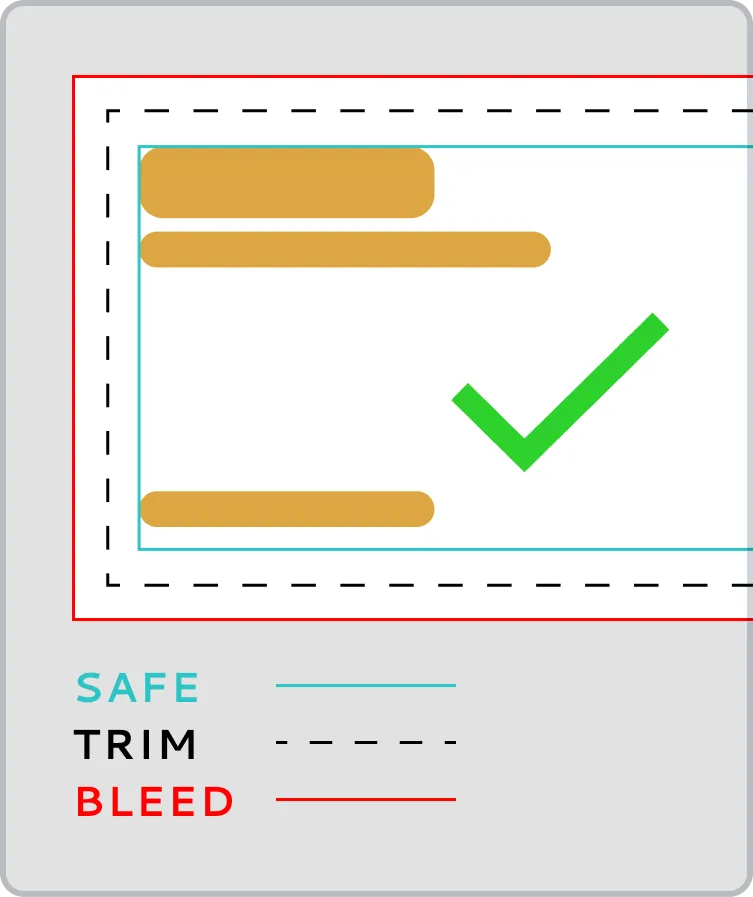
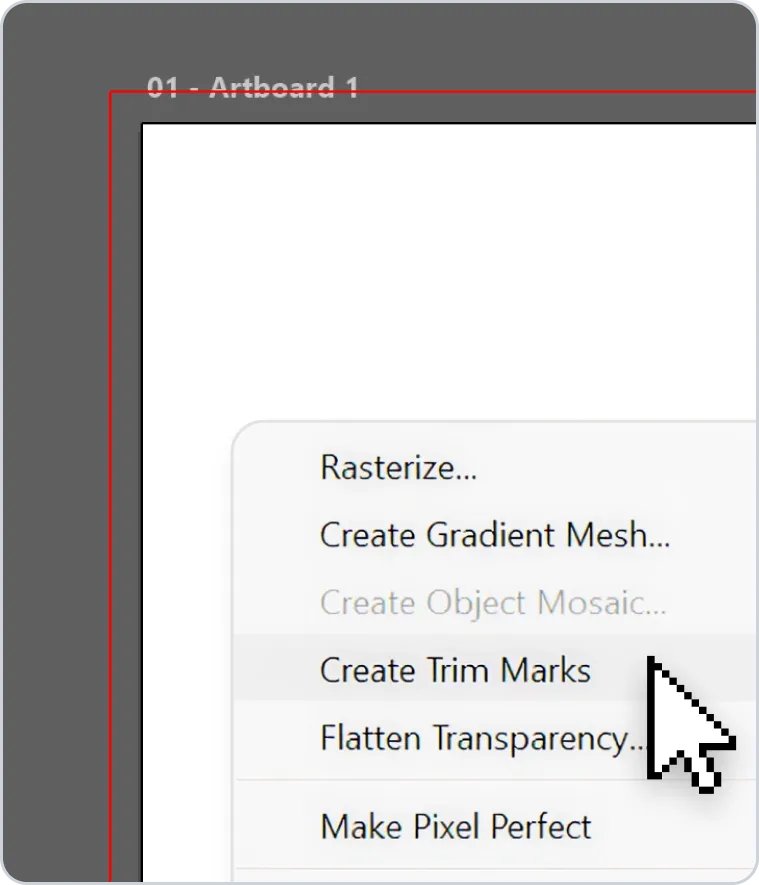
Use bleed margins for cutting and trimming
Maintain safe zones to avoid cropping critical content
Format Recommendations by Poster Type
| Type | Format | Notes |
|---|---|---|
| Trade Show Posters | PDF or TIFF | High-resolution, scalable |
| Retail Promotions | PDF or JPEG | Quick turnaround, medium resolution |
| Indoor Event Posters | PDF or PNG | Clear graphics, moderate size |
| Large Format Outdoor Posters | PDF, TIFF, or EPS | Vector graphics preferred for logos and sharp text |
Trade Show Posters
PDF or TIFF
High-resolution, scalable
Retail Promotions
PDF or JPEG
Quick turnaround, medium resolution
Indoor Event Posters
PDF or PNG
Clear graphics, moderate size
Large Format Outdoor Posters
PDF, TIFF, or EPS
Vector graphics preferred for logos and sharp text
Tips for Exporting Print-Ready Files
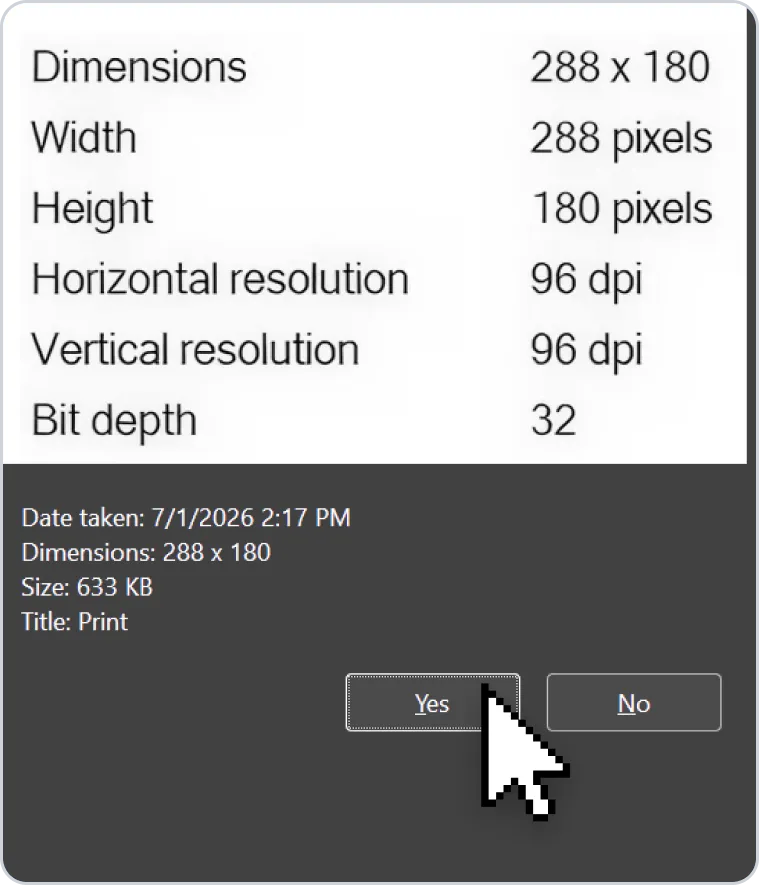
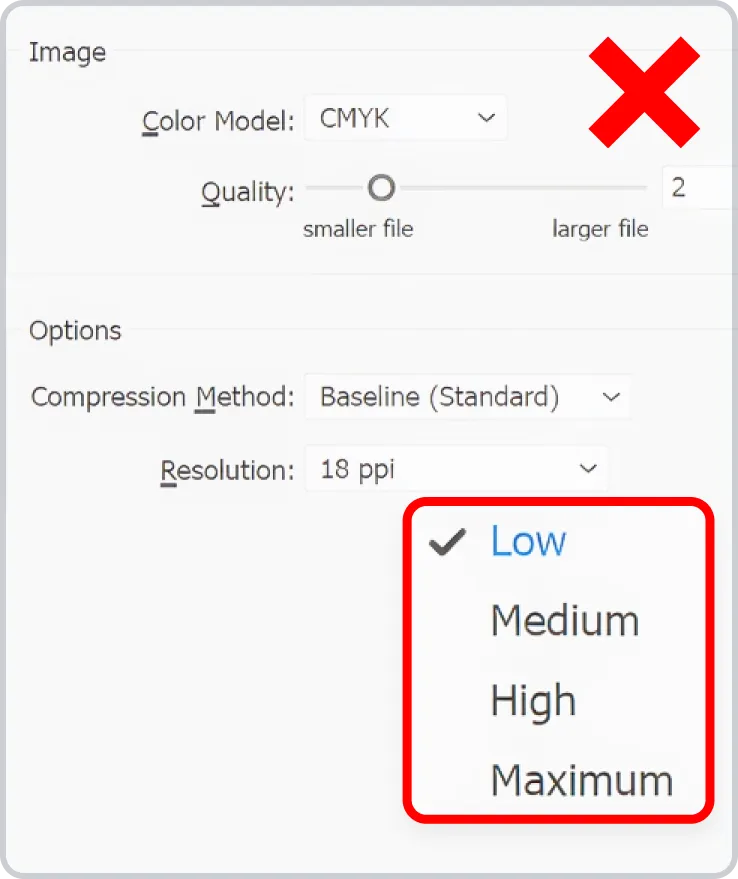
Check image resolution and dimensions
Convert all text to outlines or embed fonts
Ensure colors are in CMYK
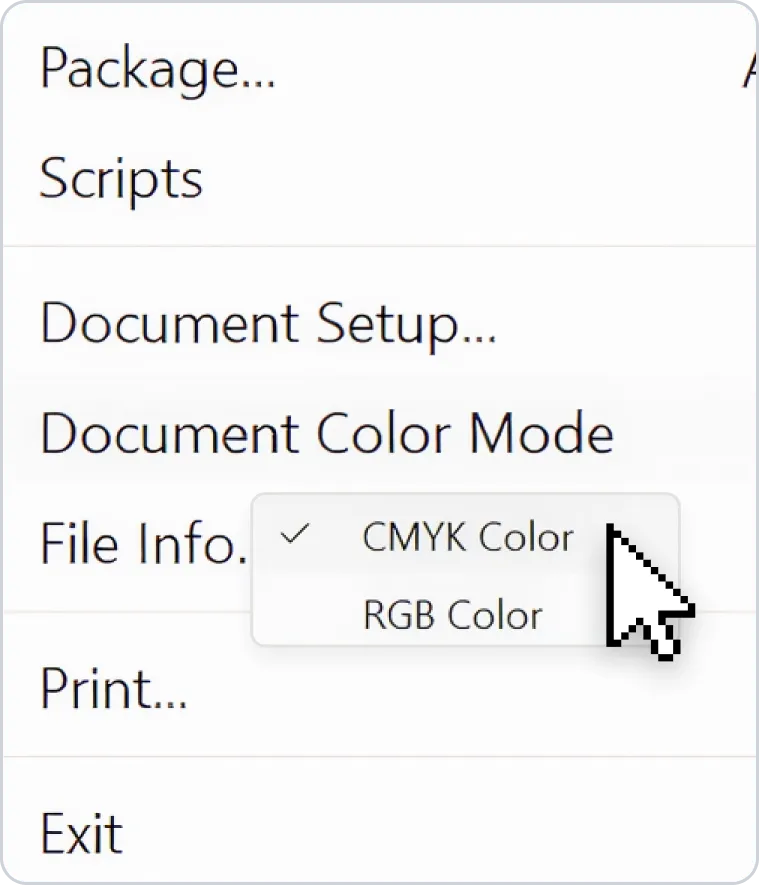
Include bleed and crop marks if required
Avoid Common File Mistakes
Submitting low-resolution images
Using RGB instead of CMYK for print
Forgetting to embed or outline fonts
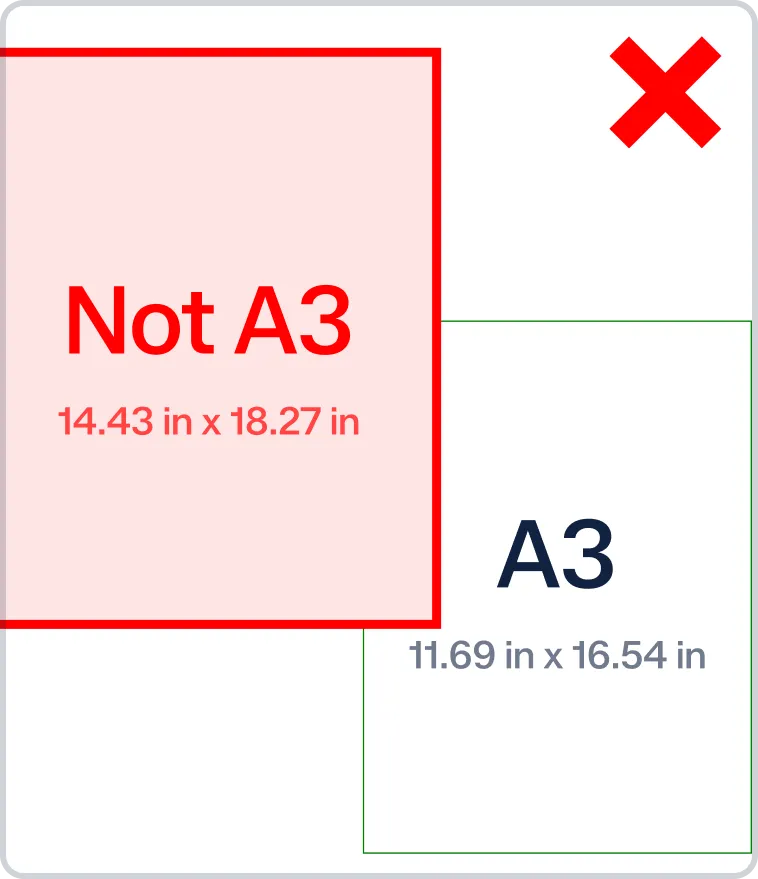
Incorrect aspect ratios or poster size
Always double-check files before submission to avoid delays or reprints.
Choosing the Best Format for Your Project
Vector for graphics and text-heavy posters

High-resolution raster for photographs
PDF as the universal, print-ready format
When in doubt, provide multiple formats for the printer to choose the most suitable option.

